3D sub wheel
A glossy, lit 3D wheel spins on stream with sound, confetti and a big reveal. Bronze to Diamond themes for every level.
 Twitch Redeems
Sign in
Gift subs spin a 3D wheel of challenges. Channel points open blind card packs that your viewers collect. It runs in OBS and takes five minutes to set up.
Signing in only shares your Twitch name. No credit card.
Features
Two overlays, one dashboard, zero babysitting. Twitch Redeems listens to your channel and plays the right moment at the right time.
A glossy, lit 3D wheel spins on stream with sound, confetti and a big reveal. Bronze to Diamond themes for every level.
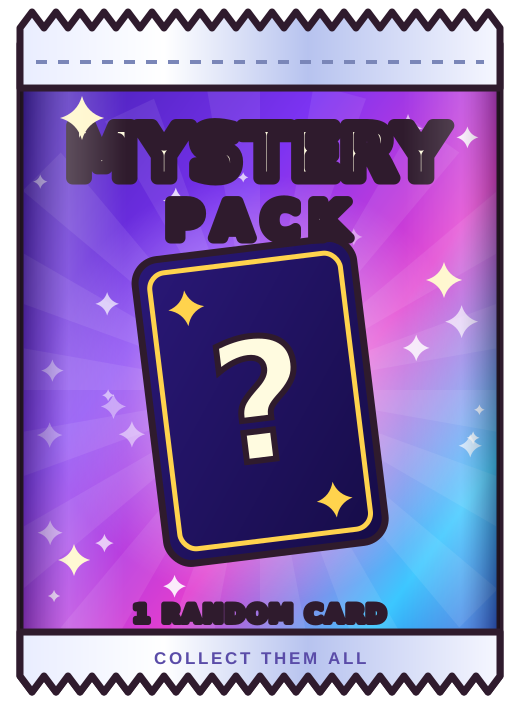
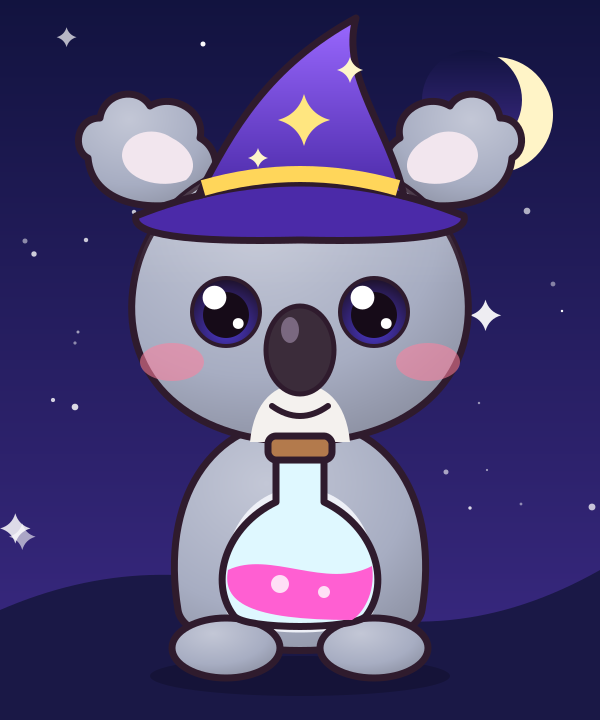
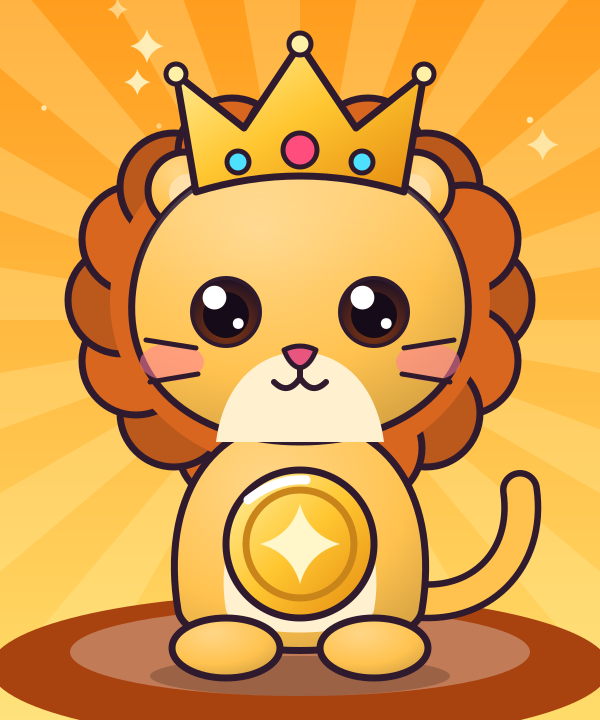
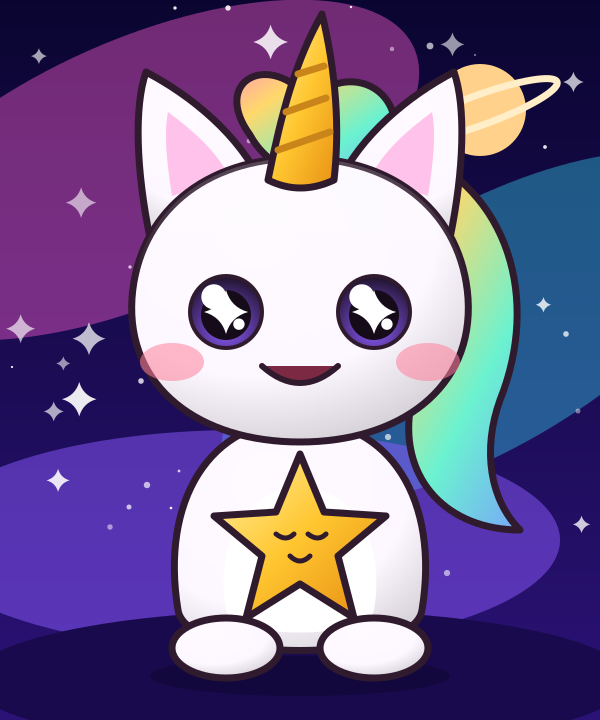
Viewers spend channel points to rip open a mystery pack. Five rarities, your own art, and collections that grow every stream.
Challenges follow your live Twitch category: Zeus-only rounds in CS2, your own lists for any game you add, and a generic list for everything else.
Spin per gift bomb, or every time your community hits a sub goal. Switch any time from your dashboard.
Results post in chat after they play, never before. Viewers check their collection with !cards.
Invite editors to tune wheels and cards with their own Twitch login. Only you control the important stuff.
Wheel modes
Pick what fits your community, and switch whenever you like.
One spin per gift bomb. The bigger the bomb, the bigger the wheel.
“BigGifter gifted 25 subs!” spins the Silver wheel once.
Subs add up across the stream. Every time the goal is reached, the wheel spins and the extras carry over.
Count gifted subs only, or every new sub, resub and gift.
Blind cards
Twenty starter cards are included. Upload your own art, set the odds, and let chat chase the mythic pull.
How it works
A step-by-step guide tells you exactly what to click, and checks each step for you.
No passwords, no forms.
We set up the channel points reward for you.
Drag two buttons onto OBS, or import a ready-made scene.
Watch a test spin play in OBS, then you’re done.
Reliability
Your community’s gifts are a big deal. Twitch Redeems treats every one that way.
Pricing
We’re letting streamers in a few at a time. Sign in to grab your spot on the list.
Free
!cardsComing soon
Paid plans open after early access. Early-access streamers keep everything they’ve set up.
FAQ
For gift subs, your channel needs subscriptions. For channel points, Twitch only lets apps create rewards for Affiliates and Partners. If you’re not one, the setup guide shows you how to create the reward yourself in about a minute, and packs work the same way.
OBS Studio gets the smoothest setup: drag the overlays in, or import a ready-made scene. Any app with Browser Sources works too, like Streamlabs Desktop. Just paste the overlay link.
It reads gift subs, subs and channel point redemptions, and manages the one reward it creates for you. It never posts as you. Results are posted by our own bot account, which reads chat only to answer !cards.
Yes. Add them as editors in the Team tab. They sign in with their own Twitch account and can tune wheels, cards and settings.
The queue lives on our servers. When OBS comes back, the overlay picks up exactly where it stopped, without replaying anything.
Sign in with Twitch to join the waitlist. We approve streamers a few at a time, and your setup guide is waiting once you’re in.